如何在多个服务器上搭建TFS
如何在多个服务器上搭建TFS
Data tier
-
Set up your SQL Server deployment using an appropriate version of SQL Server. Your deployment can be a single instance of SQL Server or an AlwaysOn Availability Group. When you set up SQL Server up for TFS, install the database engine and the full text search services.

-
Configure the firewall on each of the servers to allow access to the SQL Server database engine so that TFS can get through the firewall to connect to the SQL Server database engine from the application tier server.
Reporting
If you're going to enable reporting, prepare the data tier servers for that.
-
Install SQL Server Analysis Services.
You can install Analysis Services on the server or AlwaysOn Availability Group where you installed the database engine, or you can install it on a separate SQL Server instance or a separate AlwaysOn Availability Group.
-
Configure the firewall on each of the Analysis Services servers to allow access to Analysis Services.
-
Install and configure SQL Server Reporting Services.
You can install Reporting Services on the server or AlwaysOn Availability Group where you installed the database engine or Analysis Services, or you can install it on a separate SQL Server instance or a separate AlwaysOn Availability Group.
-
Configure the firewall on each of the Reporting Services servers to allow access to Reporting Services.
SharePoint
If you're going to enable SharePoint integration, prepare the data tier servers for that.
-
Install an appropriate version of SharePoint.
You can install SharePoint Products on the server or AlwaysOn Availability Group where you installed the database engine, Analyisis Services, or Reporting Services, or you can install it on a separate SQL Server instance or a separate AlwaysOn Availability Group.
If you already have SharePoint deployed, you can use that deployment instead of installing a new one.
-
Using the TFS Configuration Center, install the Team Foundation Server Extensions for SharePoint Products on your SharePoint server.

-
Add the identity of each of the application tier servers that you'll set up - {domain}\{app-tier-server}$ - to the Farm Administrators group in SharePoint.
Application tier
You can scale up the application tier by installing TFS on multiple application tier servers.
First application tier server.
-
If you're going to enable reporting, install SQL Server Client Tools Connectivity on the application tier server.

-
Download and install TFS and run the full configuration wizard.

-
On the database page, point to the SQL Server instance on the data tier and test the connection.

-
Set the service account and authentication method.

By default, TFS services will run as a network service in a domain or as local system in a workgroup. On a domain, you can use a domain account and grant it only the permissions that the TFS service account needs.
Reporting
-
If you want to enable reporting, turn it on here.

-
Set the reporting service instance to your data tier and populate the reporting URLs.

-
Set the account that will be assigned the Reports Reader role in the Analysis Services instance and test that the account and password can be authenticated. Reports use this account when they access the Analysis Services database.

SharePoint
-
Point to your SharePoint instance and TFS will configure the site in SharePoint and hook it up to TFS.

If you don't know the administration URL, go to the start menu and run the SharePoint administration application. That will open the adminstration web page and you can get the port from the URL in your browser.
Additional application tier servers
-
If you're going to enable reporting, install SQL Server Client Tools Connectivity on each additional application tier server.
-
Download and install TFS and run the application tier only configuration wizard.

-
Point to the SQL Server instance that is the primary replica in the AlwaysOn Availability Group where you installed the database engine, and list the available databases.

-
Set the service account and authentication method.

AlwaysOn Availability Group
If you installed the database engine on a SQL Server AlwaysOn Availability Group, add the TFS databases to the availability group.
- TfsConfiguration
- TfsDefaultCollection
If you add a new project collection to TFS, add that database to the AlwaysOn Availability Group, too.
来源:网络
智能推荐
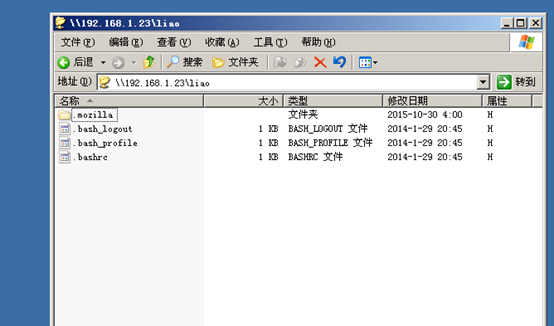
如何在linux操作系统上搭建Samba服务器
第一步:查看系统中是否安装Samba服务器。 第二步:创建一个文件hh。 第三步:进行挂载。 第四步:查看挂载是否成功。 第五步:进入目录。 第六步:查看|grep samba。 第七步:安装samba-client-4.1.1-31.el7.x86_64.rpm。 第八步:Samba密码创建。 第九步:清空防火墙。 第十步:再次创建Samba密码。 第十一步:关闭SELinux。 第十二步:在W...
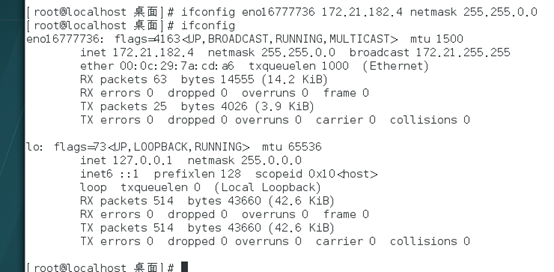
如何在linux操作系统上搭建FTP服务器
1.连通网络 2.安装FTP服务器。 3.测试访问FTP服务器是否成功,结果:失败。 4.清空防火墙。 5.再次测试,结果:成功。 6.测试:上传文件夹kk。结果:失败。 7.修改FTP服务器的配置文件。 8.创建上传目录,并修改它的权限。 9.关闭SELinux。 10.测试:上传文件。结果:成功。...
如何在阿里云windows服务器上搭建mysql数据库
小白刚刚接触,如有不合理的地方请留言 登录阿里云平台找到云服务器->实例->远程连接->workbench立即登录->输入账号密码进入windows服务器 2. 搜索mysql登录官网 下载mysql 3. 下载完成之后点击图标开始安装 4. 勾选I accept the license terms,然后点击Next 5.点击Next 5. 点击Execute 6. 勾选【...
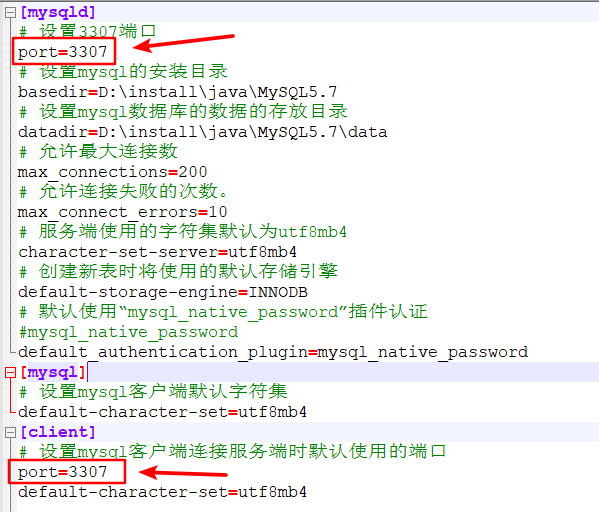
如何在一台服务器上安装两个或者多个mysql
此处安装MySQL8.0.11和MySQL5.7.29两个版本,如何安装MySQL8.0.11请看我上一篇博文:MySQL8.0 安装教程-Windows64位,MySQL5.7.29安装步骤跟MySQL8.0.11一致,只需要注意几个地方: 要想同一台服务器上安装不同版本的MySQL,my.ini里面的端口需要不一样,此处端口设为3307,见下图; 服务名要跟8.0版本不一样,此处服务名命名为:...
如何在 Ubuntu 16.04 上安装 Samba 服务器
如何在 Ubuntu 16.04 上安装 Samba 服务器 在本教程中,我们将学习如何在 Ubuntu 16.04 上安装和配置 Samba 服务器。 Samba 是用 于Unix和Linux的免费开源SMB/CIFS协议实现,允许在局域网中的Unix/Linux和Windows 机器之间进行文件和打印共享。 Samba 是一套程序,其中最重要的两个是: • smbd:提供 SMB /...
猜你喜欢
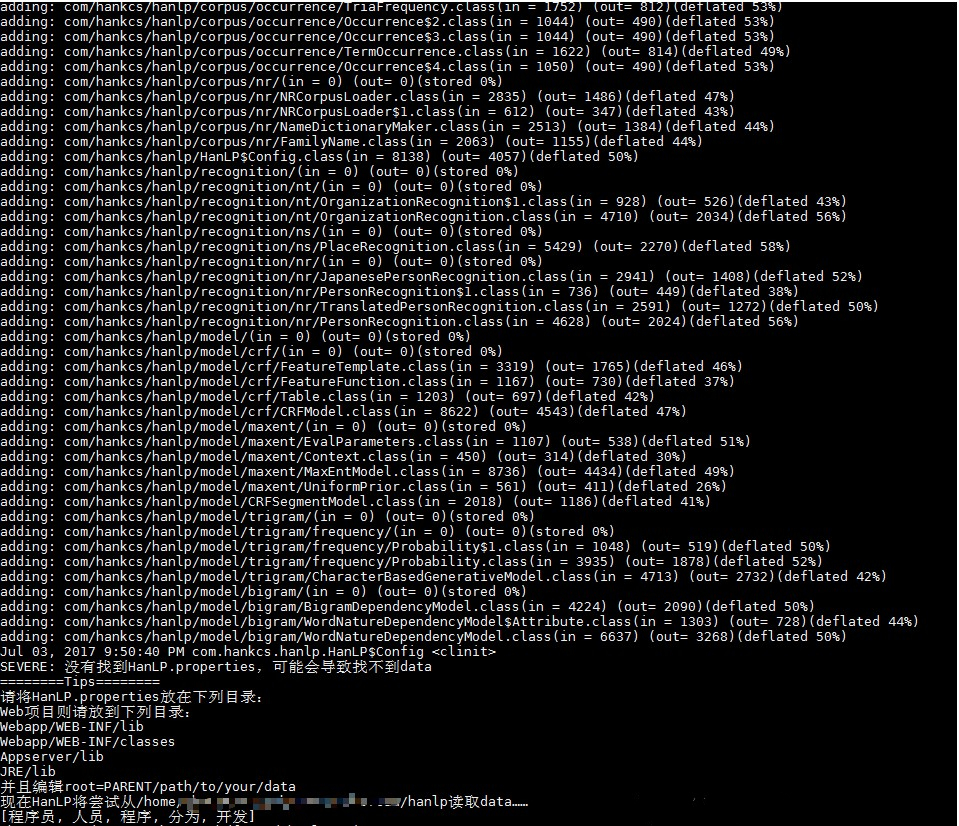
如何在linux服务器上使用hanlp
关于如何在linux服务器上使用hanlp也有分享过一篇,但分享的内容与湘笑的这篇还是不同的。此处分享一下湘笑的这篇hanlp在linux服务器上使用的文章,供新手朋友学习之用。 本文主要工作是在linux服务器上使用hanlp, 测试源码主要是hanlp源码中的 HanLP-1.3.1\src\test\java\com\hankcs\demo\DemoKeyword.java (h...

The Design of Everyday Things 读书笔记
近日抽闲读了老师推荐已久的这部设计史上的著作——唐纳德诺曼的The Design of Everyday Things,中文译名是《设计心理学》,全套共四部,我读了第一部,总的感觉就一个词——恍然大悟!被作者的细心以及擅于思考所折服,他能够抓住生活中很多人习以为常的不方便和小错误,从而解释糟糕的设计可能带给我们的麻烦甚至灾难。...

博客,记录一点一滴,终将汇聚成星辰大海
博客,记录一点一滴,终将汇聚成星辰大海 目录 写博客的好处: 要怎么写博客: 写博客的好处: 【1】我认为写博客能充当自己的资料库,你能随时翻阅你之前学的所有东西,你是否有这样的经历,明明自己之前学过这方面的内容,而且还挺熟悉,但怎么都记不起来具体细节,这时候你的资料库就能最快帮你回忆起你学的东西。 【2】把自己学到的经验,分享出来,自己之前踩到的所有坑都记录下来,当读者读你的博客时,就能少走一些...
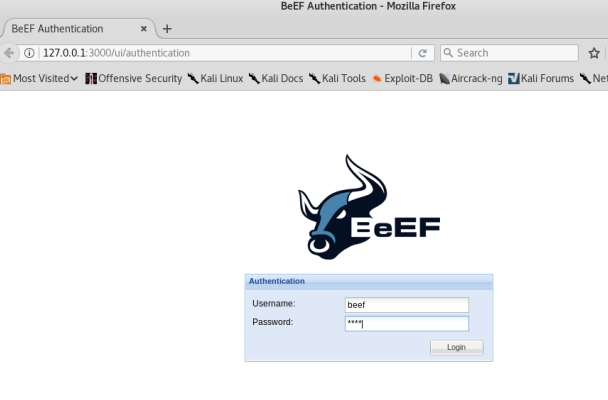
一个好玩的工具BeEF介绍及未来要实验
beef BeEF-XSS是一款非常强大的web框架攻击平台,集成了许多payload,可以实现许多功能 BeEF-XSS可以说是最强大的XSS漏洞利用工具,可以收集浏览器信息、键盘记录、社会工程等 总之就是使用beef这个工具来利用xss漏洞的 beef安装 我在kail虚拟机上安装的,很简单的在终端输入一句命令sudo apt setup beef-xss,然后安装成功设置密码就行了,因为之后...
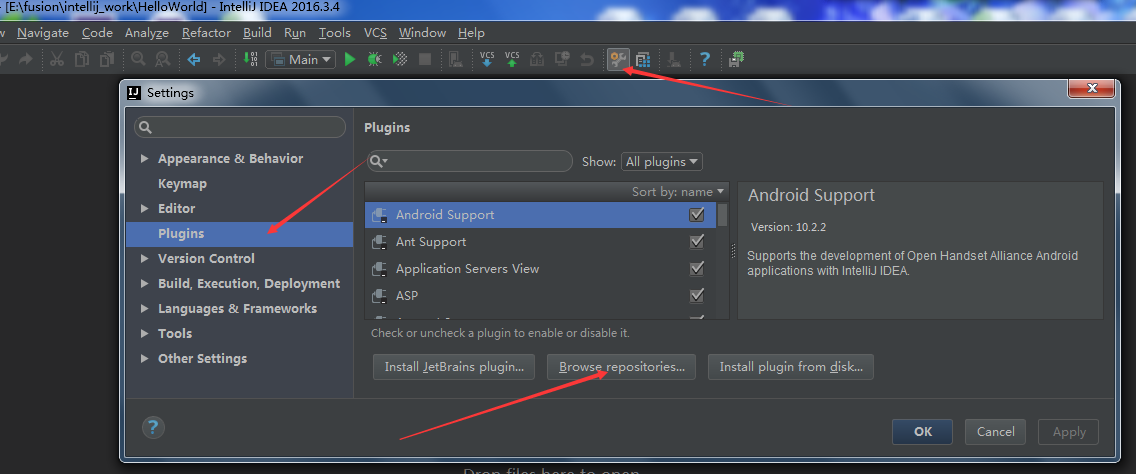
IDEA学习篇——findbugs 插件 下载、安装、使用详解
首先我下载的版本是 FindBugs-IDEA-1.0.1 ,然后我会在文中提供(FindBugs-IDEA-1.0.1.zip)下载资源,我在安装过程中的问题如下: 1,在编辑器里面始终下载不下来,每次都是一半的时候就失败啦。最后就去网上下载zip文件本地安装。 下面就是下载安装使用一条龙服务详情 先是在这个编辑器里面怎么安装这个插件的示范。也许你网络很顺畅呢,就OK拉。 我是等到花儿都谢啦,也...
问答精选
Applying stats.percentileofscore to every row by column
df= I need a new column with the percentile score for each element with respect to the column. The final answer should look like this. I want the output of the stats.percentileofscore() function to be...
C - Creating node with multiple children by function - segmentation fault
I want to create tree with multiple children and create every node with a function. Here is my structure for node: And here is my function to create new node (with four children): When I run this func...
How to get all secrets in one call Azure key vault
I am using sample code explain here https://github.com/Azure-Samples/app-service-msi-keyvault-dotnet but they only explained how can we get single secrete not list of secrete. so to get all secrete I'...
increase eclipse IDE font size
I am using Eclipse I would like to increase the font size of the IDE, not just the font of the editor. Is there any way I can do that? I haven't been able to find a solution for this yet. you can try ...
Generating Guid by database automatically
It regards Entity Framework 6 but maybe it isn’t related to the version. I have some class which has Guid Id but by inheritance. Right now I would like to change this model to auto generate Id b...
相关问题
相关文章
热门文章
推荐文章
相关标签
推荐问答
- How to obtain a specific message from Kafka consumer in a web API call?
- Deploy Google App Engine managed VM to location in Europe
- Fastest way to get this data into my application?
- User show route and showing user with query string rails
- Why Assistant preview fails?
- How can I get self. variable from a parent class?
- Issue with installing odoo (open ERP 8) module
- How to sort the OrderItems in the cart by its category on Broadleaf Commerce?
- removing duplications of a called-by-reference vector
- why when I add `span` tag the text is displayed properly